
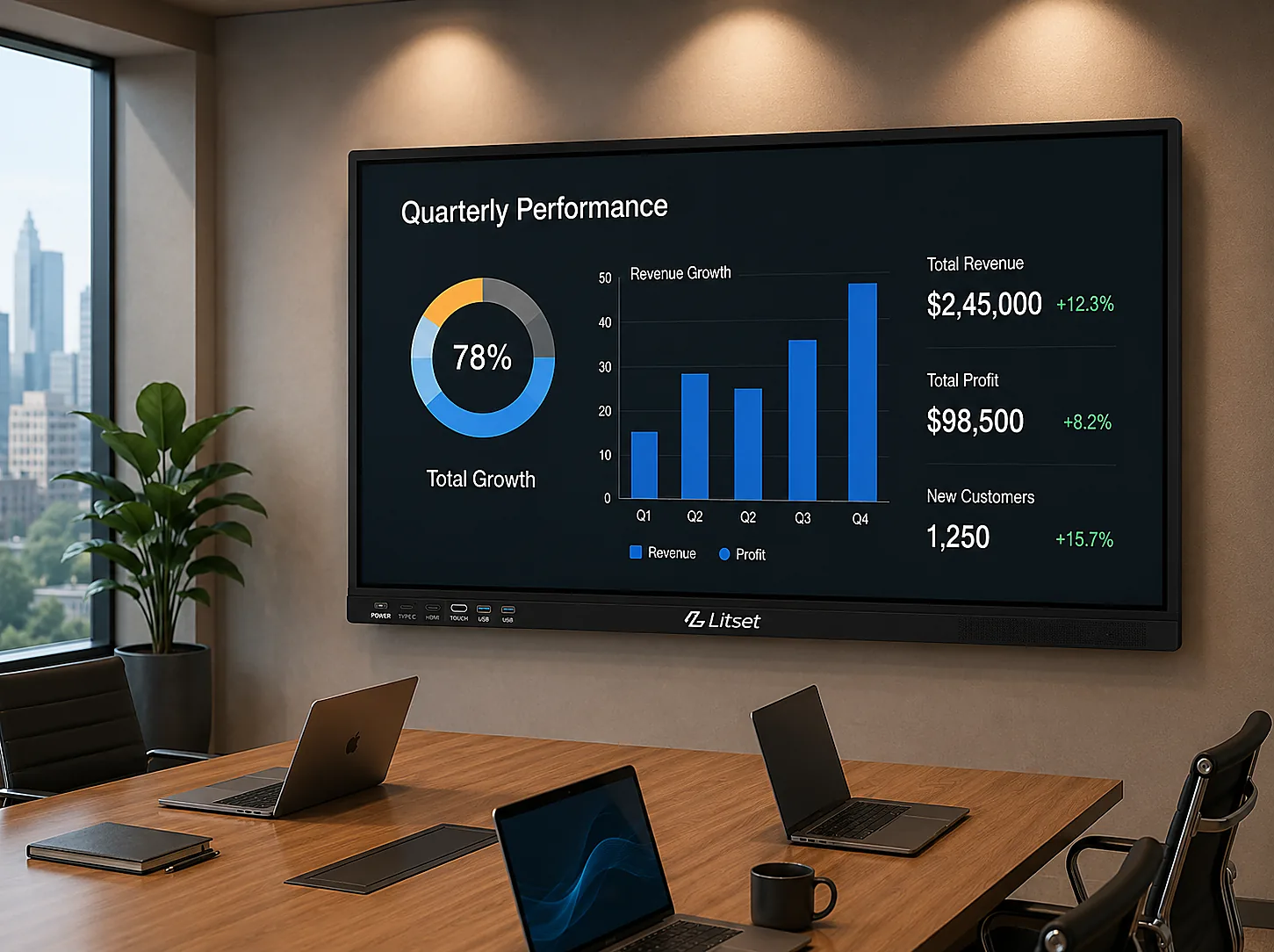
The most common meeting room complaint has nothing to do with the room itself. It’s the ten minutes lost every single time, fumbling with the wrong cable, hunting for the right adapter, restarting the display because it won’t recognise the laptop this time either.
Litset equips boardrooms and huddle spaces with interactive panels and display hardware configured specifically for presenting, annotating, and video calls — set up once, and consistent every time someone walks in, instead of reconfigured ad hoc for every meeting.
What’s Included
Hardware chosen by room size and use:
- Interactive Panels — for boardrooms and training rooms that need live annotation over slides or dashboards.
- Monitors — for smaller huddle spaces and focused video calls.
- Supporting Desktop Hardware — configured for the room’s meeting software and video conferencing stack.
Built For
Presentation-Ready by Default. Interactive panels for live annotation over slides, dashboards, or a shared screen, without extra equipment wheeled in.
Consistent Across Rooms. The same configuration standard applies whether it’s a 2-person huddle room or a full boardroom, so nobody has to relearn the setup room to room.
Fewer IT Callouts. Hardware matched to how the room is actually used cuts down on the ad-hoc laptop-and-cable workarounds that generate most meeting-room support tickets.
A Typical Deployment
Picture a corporate office standardising eight meeting rooms — two boardrooms, a training room, and five huddle spaces — after years of each room being equipped separately, with different display brands and no consistent setup. A rollout like this typically starts by grouping rooms by use rather than treating each one as a one-off: boardrooms and the training room get interactive panels for presentation and annotation, huddle rooms get monitors sized for smaller groups and video calls. Every room ships under one order, so the office ends up with one configuration standard across all eight instead of eight different setups accumulated over time.
Where This Fits
This configuration approach applies across most corporate meeting environments:
- Corporate Boardrooms
- Huddle Rooms
- Client-Facing Meeting Spaces
- Training & Briefing Rooms
The Litset Difference
Configured, Not Catalog-Only. Panel size and setup are matched to room capacity and actual use, not sold as a blanket AV package.
Direct Billing, GST Registered. One invoice across a multi-room office rollout, however many rooms are involved.
Real Team, Direct Support. The same team handles install, follow-up, and any rooms added later.
If every meeting room in your office runs a little differently, standardising them usually costs less than the time lost reconfiguring each one by hand.